
Article
Japanese contentHow to move saved ideas into scheduled posts with TenguX collections
Operators who collect many ideas but struggle to turn them into scheduled X posts / Published: 03/16/2026 · Updated: 03/16/2026
This article is currently available in Japanese.
The article UI is localized, and English article content is being added progressively.
Many teams save plenty of ideas but still fail to fill the queue.
That usually means the problem is not idea shortage. The problem is that saving and publishing live in separate workflows.
Typical pattern:
- a strong post is found in search
- it gets saved into a collection
- nobody turns it into a draft that week
- the team runs another search instead of using what was already saved
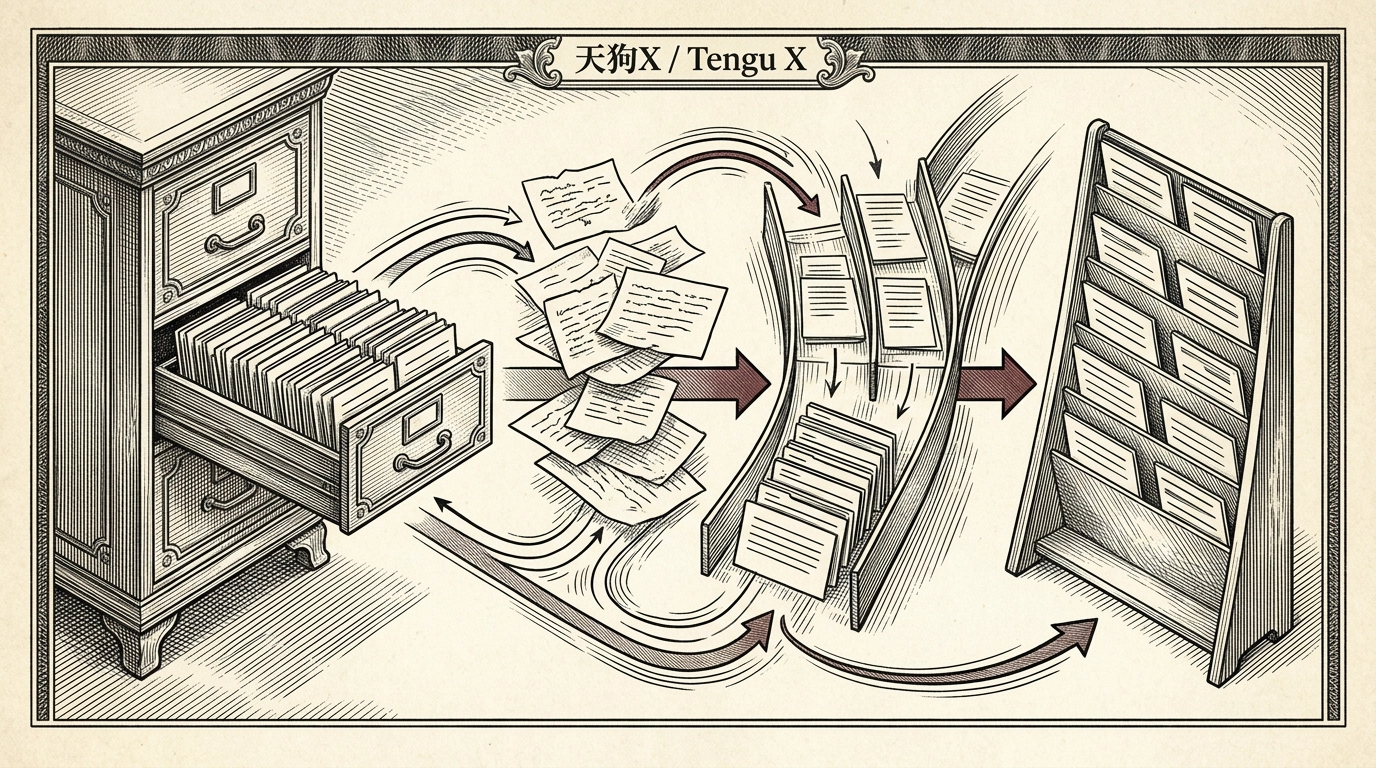
This article explains how to use TenguX collections as an active production step, not just an archive.
Bottom line: measure collections by queue-ready candidates, not by how many items are saved
The important numbers are not:
- how many ideas are saved
The important numbers are:
- how many saved items are still relevant this week
- how many become drafts
- how many reach the queue
A large collection can feel productive while the actual posting workflow is still stuck.
Why saved ideas go stale
1. They are saved without an intended use
If an item is saved only because it "looks useful," it often becomes hard to evaluate later.
2. Saving and drafting happen too far apart
Once the context fades, the operator has to rediscover why the item was worth saving in the first place.
3. The queue is not planned first
If publishing slots are still vague, even good drafts tend to drift.
Recommended TenguX workflow: save, select, draft, queue in one operating line
TenguX is most useful here when search, saved ideas, drafting, and scheduling stay connected.
Step 1. Classify each saved item as "this week" or "later"
Do not overbuild the taxonomy. Two buckets are enough:
- this week
- later
That alone reduces decision noise.
Step 2. Review only the "this week" bucket at the start of the week
Narrow it to three to five candidates. Those become the active draft set.
The existing advanced X search guide is a good companion if the team needs stronger filtering earlier in the process.
Step 3. Decide the draft direction before writing
For each candidate, define only three things:
- the reader
- the core claim
- whether it should be a single post or a thread
That is enough to start the draft without losing speed.
Step 4. Move viable drafts into queue consideration immediately
Do not let finished drafts sit in a holding area for another week. If the weekly slots are already clear, queue decisions become much easier.
The broader search-to-rewrite-to-queue workflow guide is useful here.
A 45-minute weekly operating loop
Monday: 15 minutes to reduce the saved set
Review only the "this week" bucket and cut it down to three to five items.
Tuesday: 15 minutes to decide the draft angle
Lock the reader, claim, and format for each active idea.
Thursday: 15 minutes to place the strongest drafts into the queue
Favor queue completion over endless polishing.
Teams that benefit most
This workflow fits teams that:
- save many posts but still struggle to increase scheduled volume
- operate with one to three people
- keep getting stuck between search and copy production
If the team also feels it is "running out of ideas" even with a large saved list, the idea drought guide is a useful companion.
Common failure modes
Saving too much
Without a narrow weekly bucket, the next review becomes heavier every time.
Over-tagging collections
If classification itself becomes work, the system will not last.
Delaying the draft decision
The longer the delay between saving and drafting, the more context is lost.
Summary
Saved ideas become valuable only when they shorten the path to a scheduled post.
- classify ideas into this week or later
- review only this week's candidates
- set the draft direction early
- move viable drafts into queue consideration immediately
Use collections as a production surface for the next week, not as a storage drawer. That shift alone can make the workflow feel much lighter.
Resources
Related resources
Use these templates and references to apply the article workflow directly in your own operations.
Next action
If you want to try this flow yourself, start by creating draft ideas for one theme.