
Article
Japanese contentHow to fix scattered CTAs in X posts when clicks stay low
X operators getting reactions but not enough profile visits or downstream clicks / Published: 03/19/2026 · Updated: 04/07/2026
This article is currently available in Japanese.
The article UI is localized, and English article content is being added progressively.
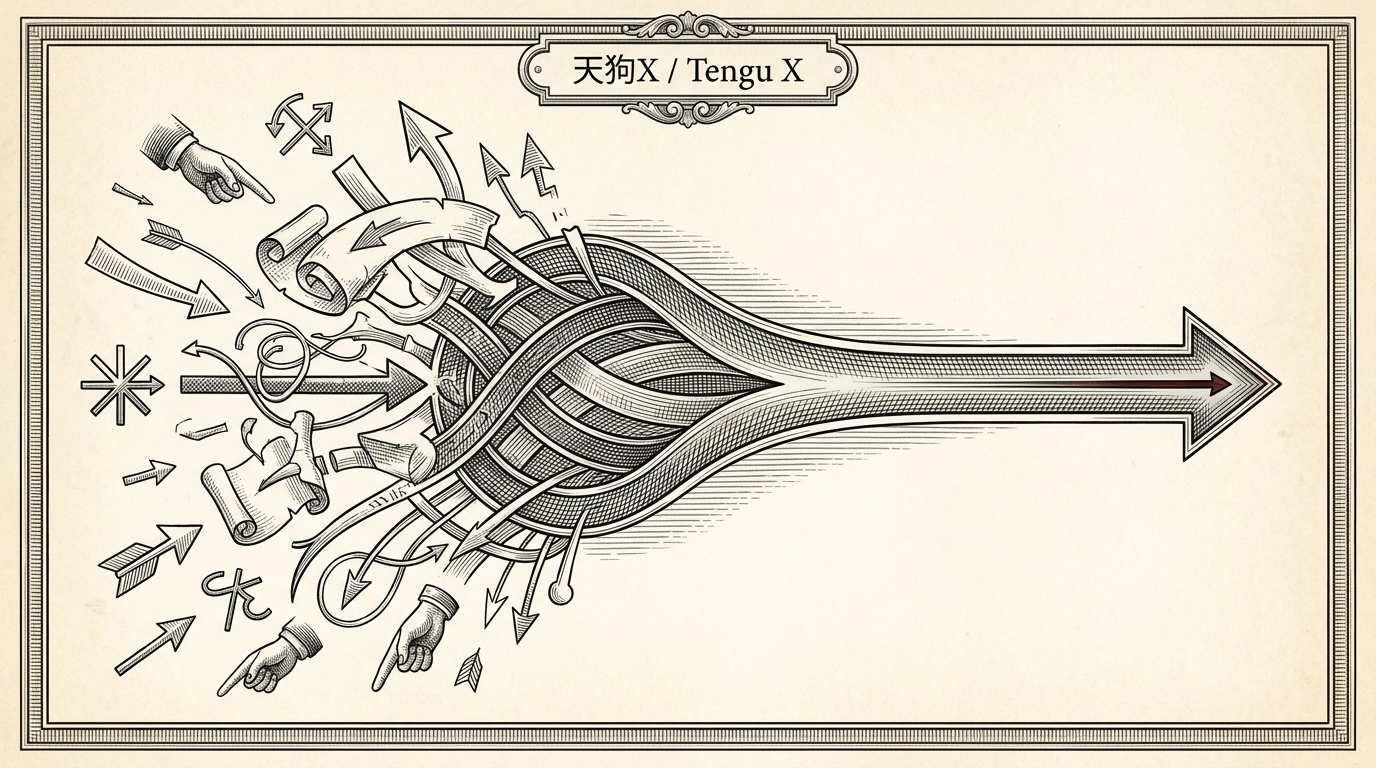
If your X posts get some engagement but very few clicks, the problem is often not a weak CTA. It is too many CTAs competing with each other.
This is what that usually looks like:
- the post wants profile visits, but the final line also asks for signups
- the post wants replies, but it also asks readers to check the pinned post
- the post wants conversions, but it also asks for saves, likes, and quote posts at the same time
That forces the reader to choose instead of move. This guide shows how to make the next action clearer by reducing CTA clutter. If you want the broader question-intent family around these fixes, start from /articles/guides and review the adjacent problem-fix pages together.
Bottom line: most low-click posts are asking for too much
The fastest fix is simple:
- choose one next action per post
- match that CTA to the job of the post
- decide the CTA during drafting, not at the end
When one post tries to create conversation, profile traffic, and direct conversion all at once, none of them usually gets strong enough.
What scattered CTAs break
1. Readers hesitate
The more choices you give, the less likely someone is to move.
2. Review becomes vague
If the team cannot tell whether the post is for conversation, warming traffic, or direct conversion, approval gets slower. The published small-team approval bottleneck guide is relevant here because review quality depends on role clarity.
3. Post-review learning gets weaker
If you cannot tell what the post was supposed to do, you cannot review it properly later. The published performance review loop guide works better when each post has a clear intended action.
Three CTA roles are enough to start
For a lean team, you usually only need these three categories:
| CTA role | Goal | Example |
|---|---|---|
| Conversation CTA | earn replies or quote posts | ask one direct question |
| Traffic CTA | push readers to the profile or pinned post | direct them to one next reference point |
| Conversion CTA | move readers to a signup or pricing page | point to one clear external action |
Do not mix them in the same post unless you have a very strong reason.
A practical fix process
Step 1. Write the job of the post in one line
Examples:
- this post should increase profile visits
- this post should create replies
- this post should move warm readers closer to signup
If that line is missing, the CTA usually gets bolted on at the end and becomes messy.
Step 2. Keep only one next step
Choose only one:
- reply
- visit the profile
- check the pinned post
- open the link
Everything else is noise unless it is essential.
Step 3. Match the CTA to the body
A post that is mostly educational and exploratory often works better with a conversation CTA or a profile CTA. A post that already frames a concrete operating problem and solution can support a stronger conversion CTA.
For a broader conversion model, the published followers-to-customers guide is a useful companion.
Common failure patterns
Asking for replies, saves, and clicks together
This spreads attention too thin.
Using a conversion CTA when the post is still top-of-funnel
The CTA feels disconnected from the body.
Treating the CTA as a last-line problem only
If audience, point, and CTA are not decided upstream, editing the final sentence alone rarely fixes much. That is the same logic used in the published search-to-rewrite-to-queue workflow.
Summary
Scattered CTAs make X posts harder to act on.
- one post should ask for one next action
- the CTA should match the role of the post
- the team should decide the CTA during drafting, not after writing
For your next five posts, label each one as reply, profile visit, or conversion before you draft it. That single change is usually enough to make CTA decisions much cleaner.
To turn that into the next usable draft, pair prompts with templates. If you are already comparing plan fit and rollout conditions, continue into /priceplan. For nearby fixes, use the published first reply stall guide and hook repetition guide.
Resources
Related resources
Use these templates and references to apply the article workflow directly in your own operations.
Next action
If you want to try this flow yourself, start by creating draft ideas for one theme.